Layouts & Card Designs
Your review showcase has two independent settings — mix and match them freely:
- Layout — how reviews are arranged on the page.
- Card design — how each individual review looks.
Every card shows the star rating, the review text, and the reviewer’s name. Try any combination on your own reviews with Open full-screen preview in Branding.
Layouts
Horizontal carousel
Reviews in a row the visitor can browse through with arrows — three across on a wide page, one at a time on a phone. With just one or two reviews, they sit centered. The default layout, and a safe choice for most sites, especially mid-page sections.

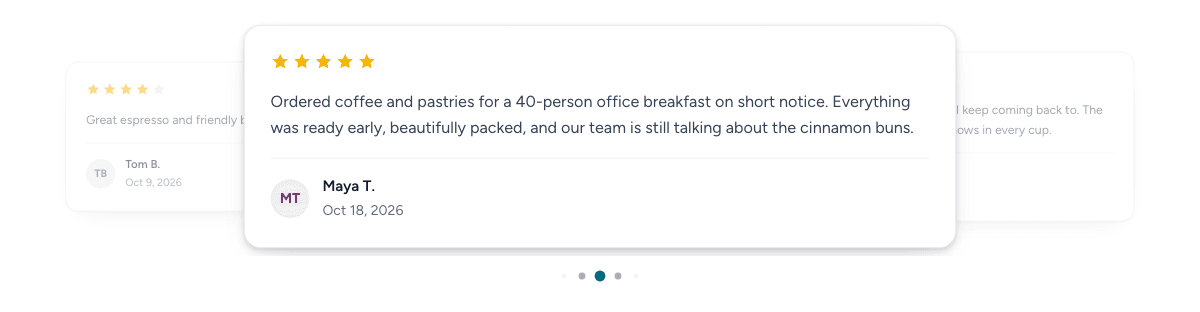
Auto-scrolling carousel
Features one review at a time and moves through them on its own, with the next and previous reviews peeking out at the sides. Good for landing pages where you want motion to draw the eye without requiring interaction.
Waterfall
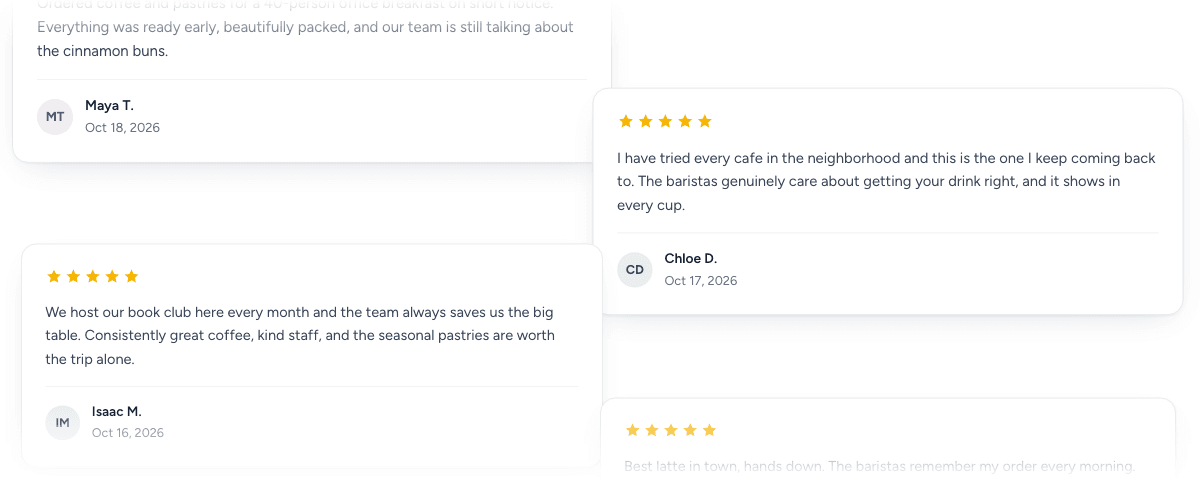
Two columns of reviews drifting gently down the page, layered just slightly where they meet (one column on a phone). Best when you have a healthy volume of approved reviews and a full-width section to fill — think dedicated testimonials pages. With fewer than three reviews, or for visitors who’ve asked their device to reduce motion, it holds still.
Top three
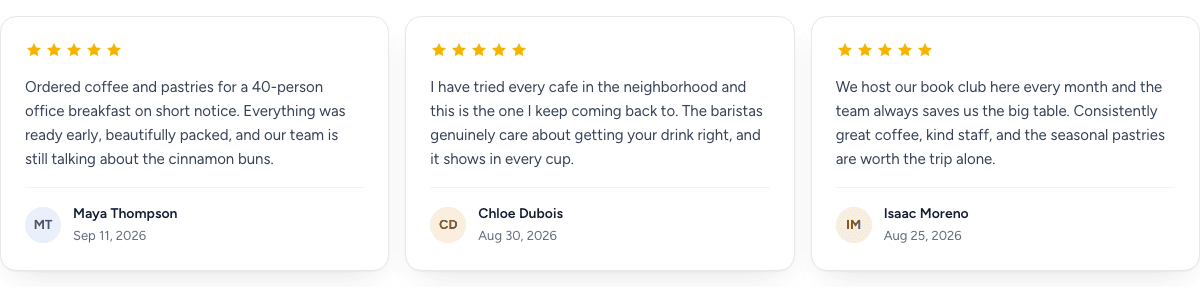
Your three best reviews, front and center — side by side on a wide page, stacked on a phone. With fewer than three, they sit centered. Minimal footprint, maximum punch; ideal for pricing pages or above-the-fold placements where space is tight.
Card designs
Classic
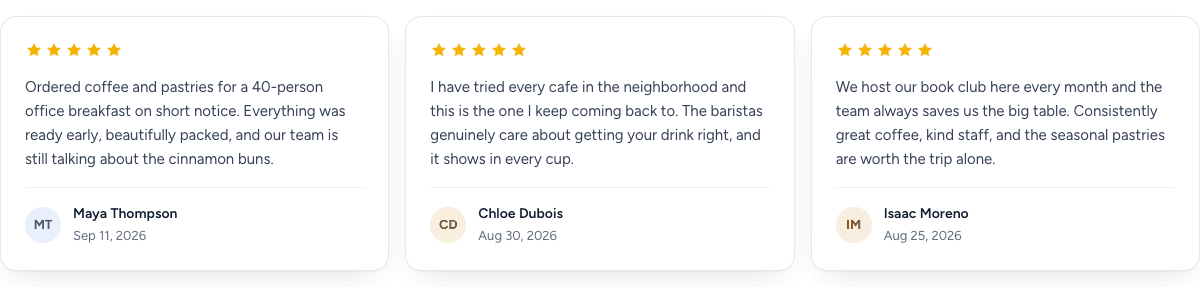
Clean white cards with the stars up top and the reviewer’s initials beneath. Fits almost any site. The default.
Editorial
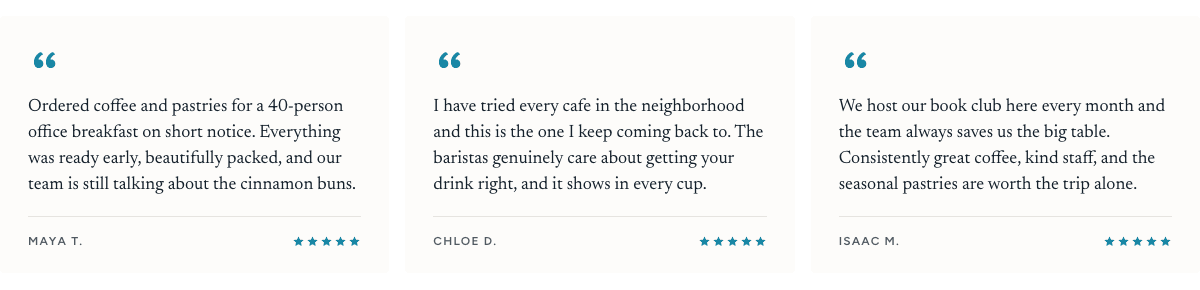
A serif pull-quote on a soft paper surface, with the reviewer’s name in small capitals. Elegant on content-rich and premium sites. The paper surface keeps it readable on any background, light or dark.
Tile
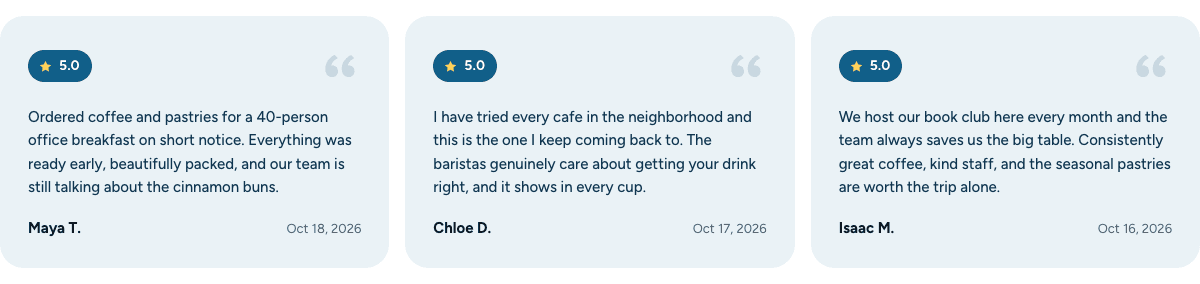
Rounded, tinted tiles led by a rating badge. The boldest of the three — it stands out well on plain pages.
Switching
Choose a card design and layout on Branding and click Save changes — both apply to your site right away. Your embed code never changes, so there’s nothing to re-copy. See Embedding the showcase.